Compose. Transform. Combine.
Multi-Reference
Image Editing
Combine up to 10 reference images in a single prompt. Move subjects between scenes, swap outfits, transfer styles — all while preserving lighting, perspective, and visual consistency. No manual masking required.
Max References
10 images
Resolution
1K / 2K
Cost
$0.028/img
Output Formats
JPEG • PNG • WebP
See It in Action
Input images + element references → combined output
Inputs
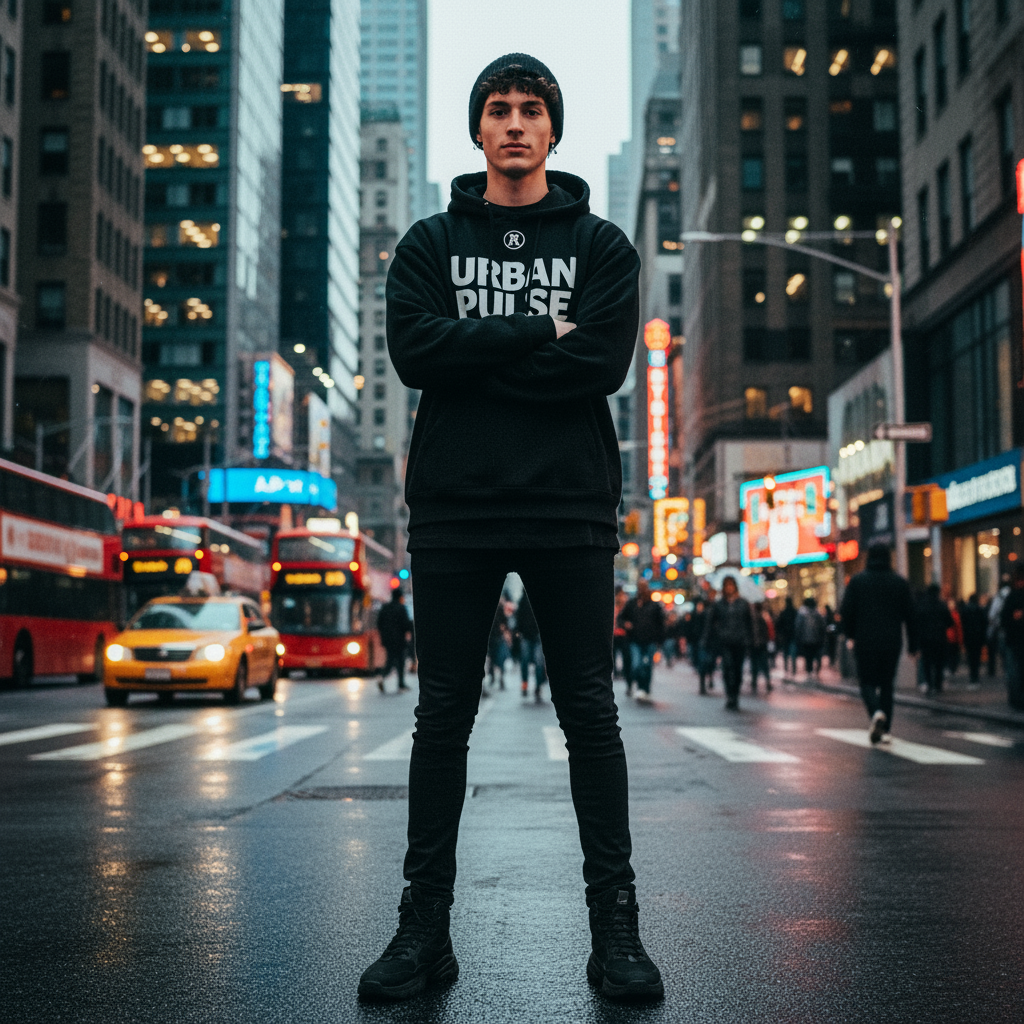
Person
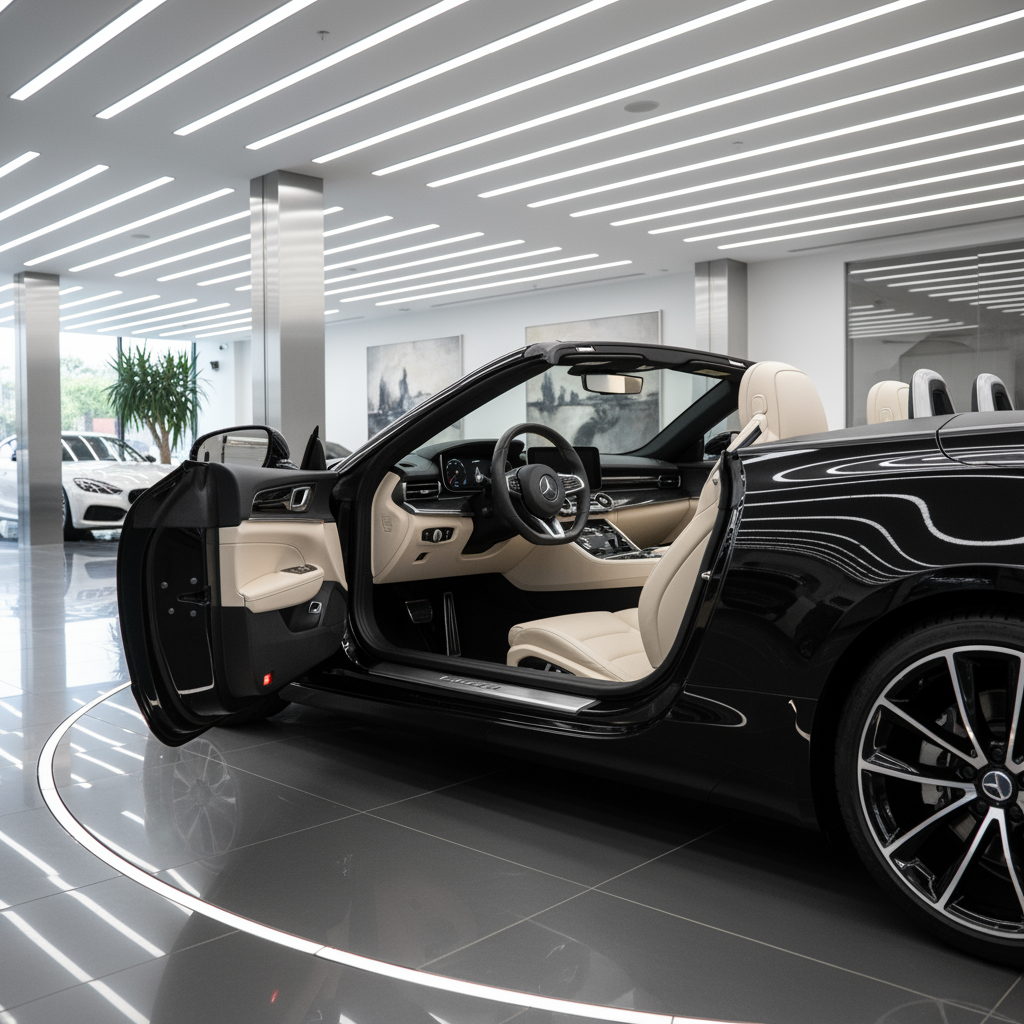
Scene
Elements
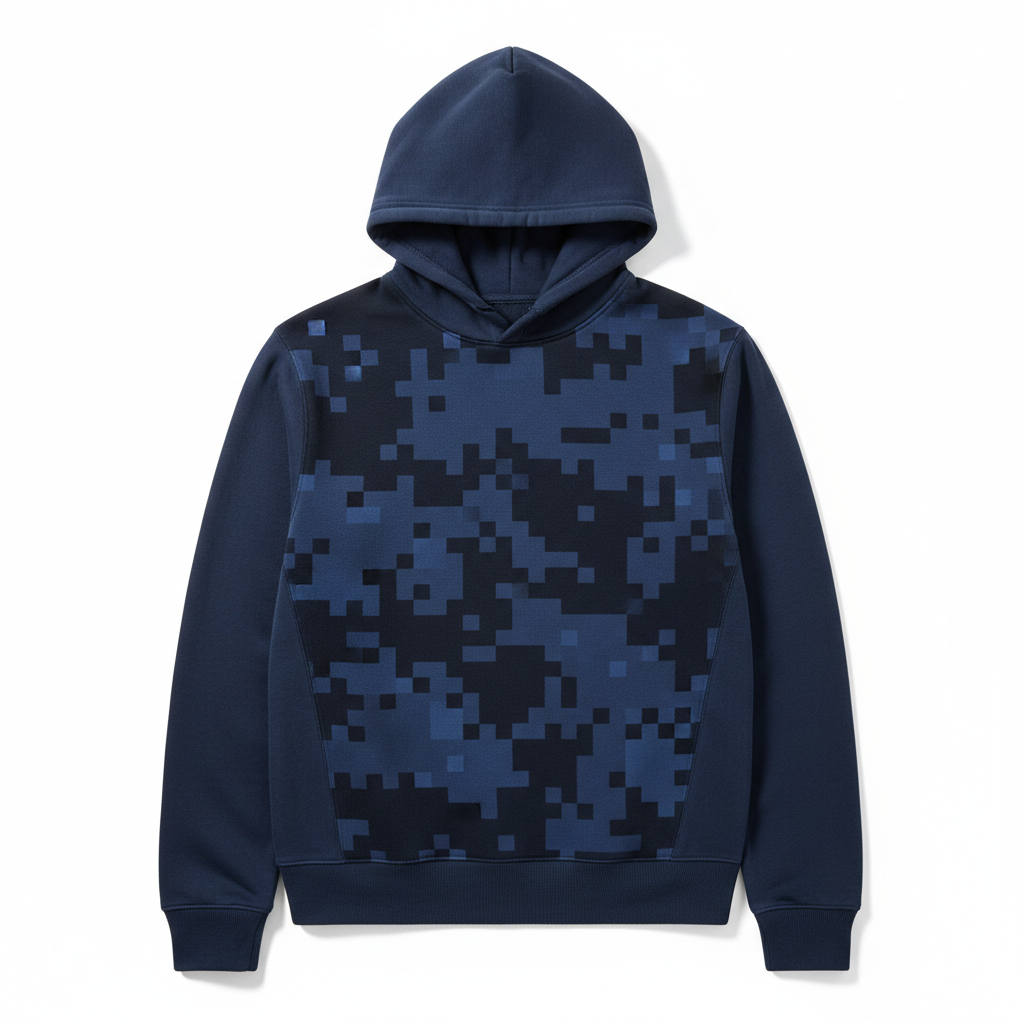
New Hoodie
Output
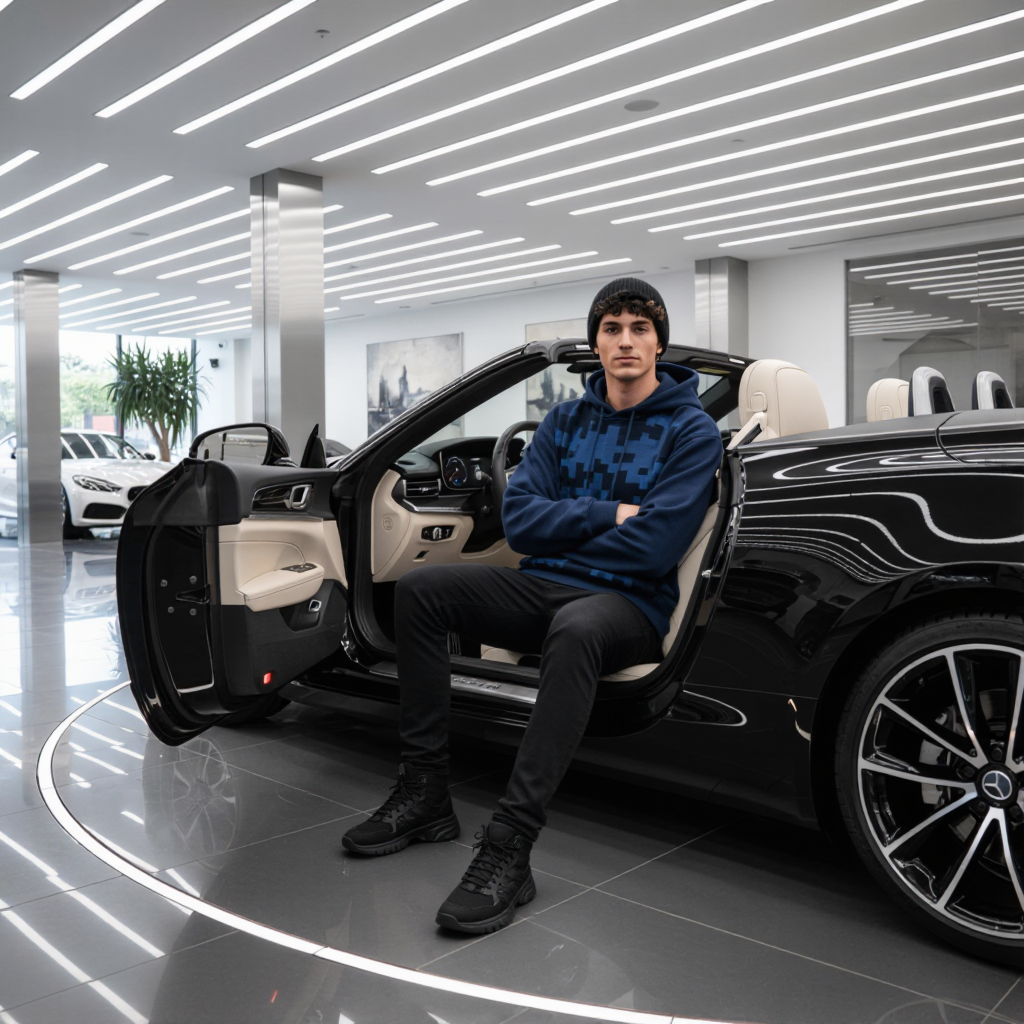
Person placed in car, wearing the new hoodie — lighting & perspective auto-matched
How It Works
Upload References
Add up to 10 reference images — subjects, scenes, backgrounds.
Add Elements
Optional: add element images for accessories, clothing, objects.
Write Your Prompt
Use @Image1, @Image2, @Element1 to reference your uploads.
Generate
Kling O1 composes everything with consistent lighting & perspective.
Capabilities
Subject Swap
Move people between scenes
Outfit Change
Virtual wardrobe swap
Style Transfer
Apply artistic styles
Scene Compose
Merge multiple environments
Auto Lighting
Consistent light matching
Perspective Fix
Natural angle correction